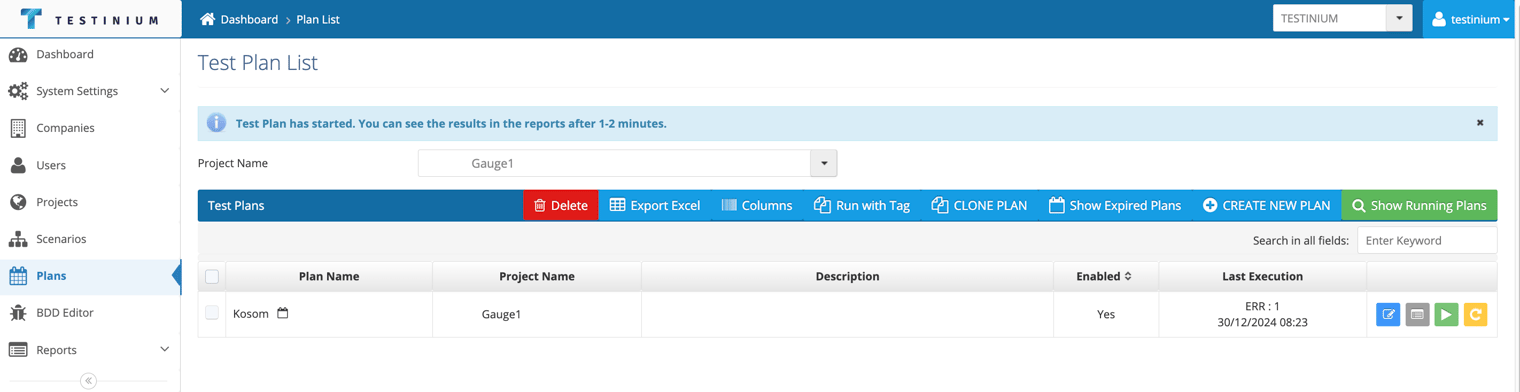
Run Test Plan
1 min
Follow the steps below on the Plan screen to run the test according to the project, demand and test plan settings;
- Click the Run Test button.
- In the warning popup;
a. Click Yes to run.
b. Click No to cancel the running operation.
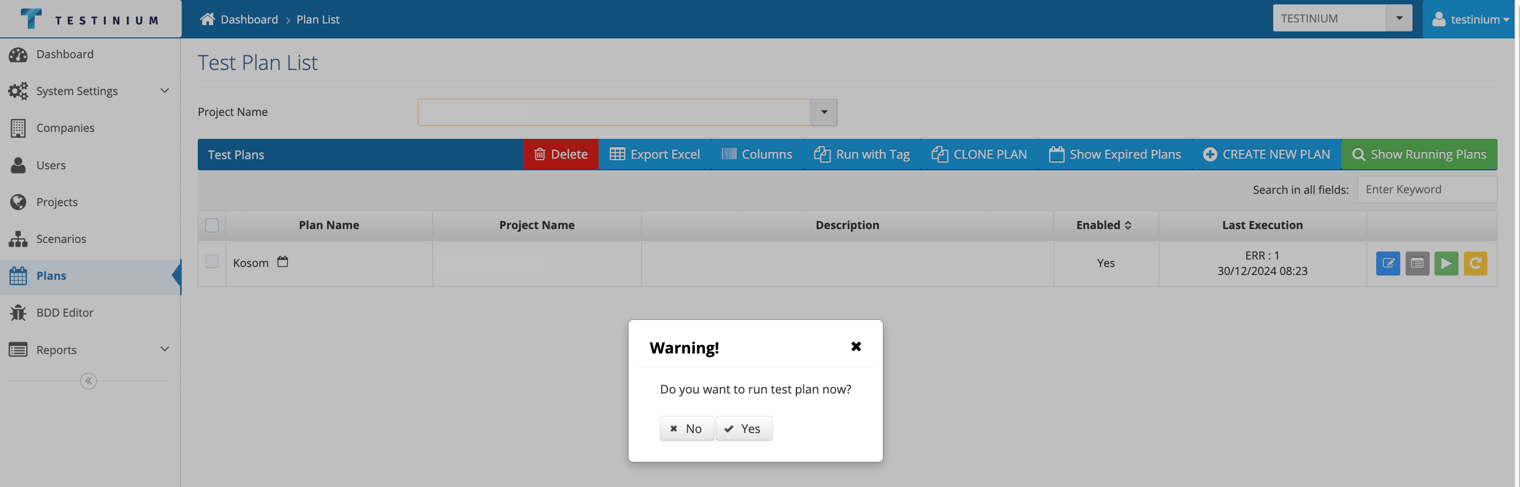
- If the 'Yes' button is pressed on the warning screen, the test is run