Edit Plan
1 min
Plans can be updated by following the steps below;
- Click the Edit button on the relevant plan line in the plan list.
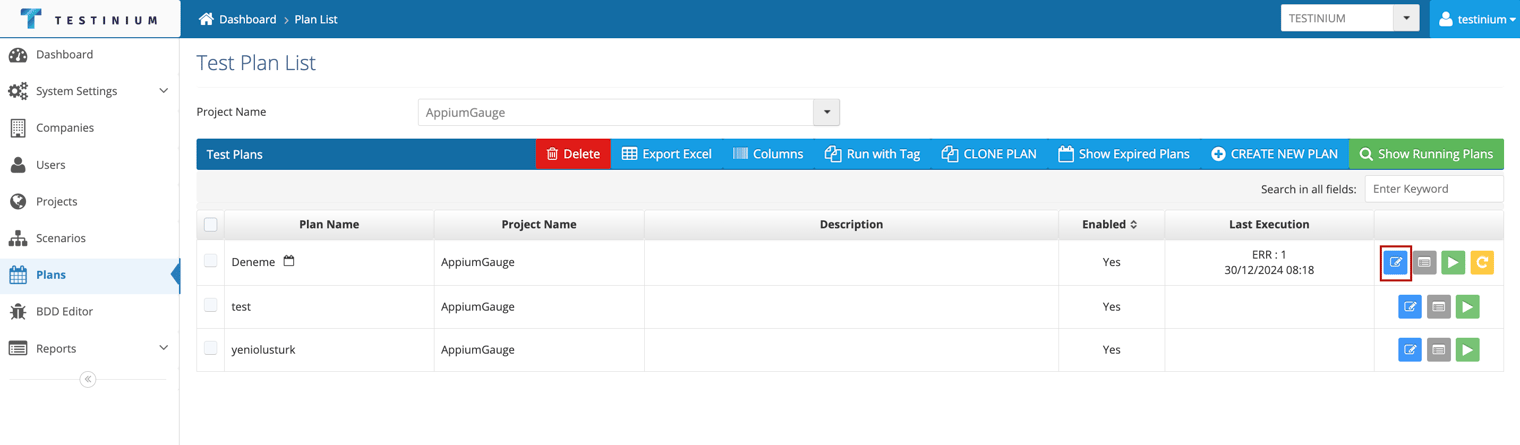
- Edit the required fields in the Test Plan form in the following steps;
- Test Plan Details
- Mobile Platform Selection (for Appium projects)
- Platform Selection (for Selenium projects)
- Schedule
- Notifications
- Confirm
- a. Click on the Save button to save the changes made.
b. Click Cancel to cancel the edit operation.