Run with Tag
1 min
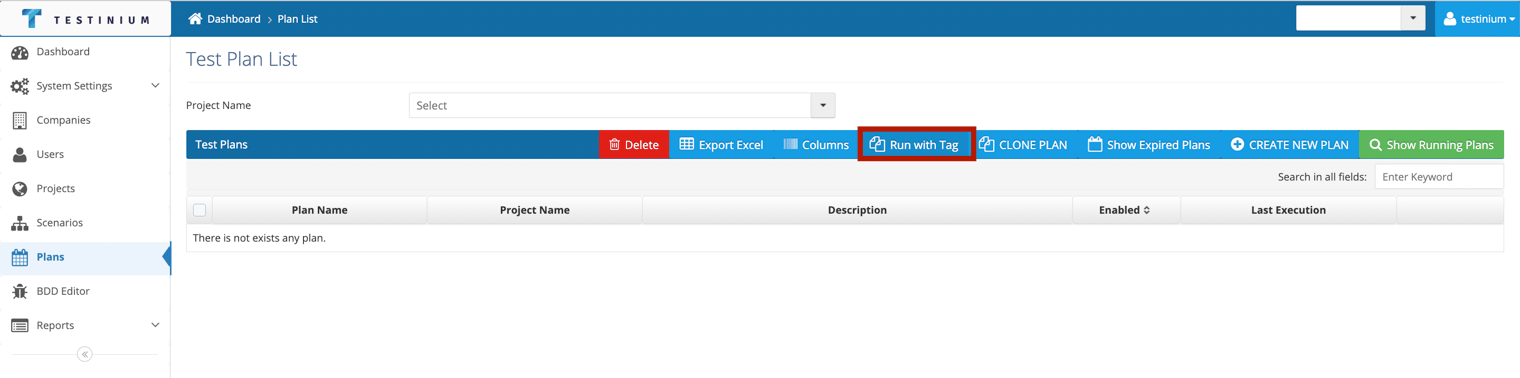
Run with Tag is used to run plans by grouping them.
The following steps are followed for this grouping process;
- Click the Run with Tag button.
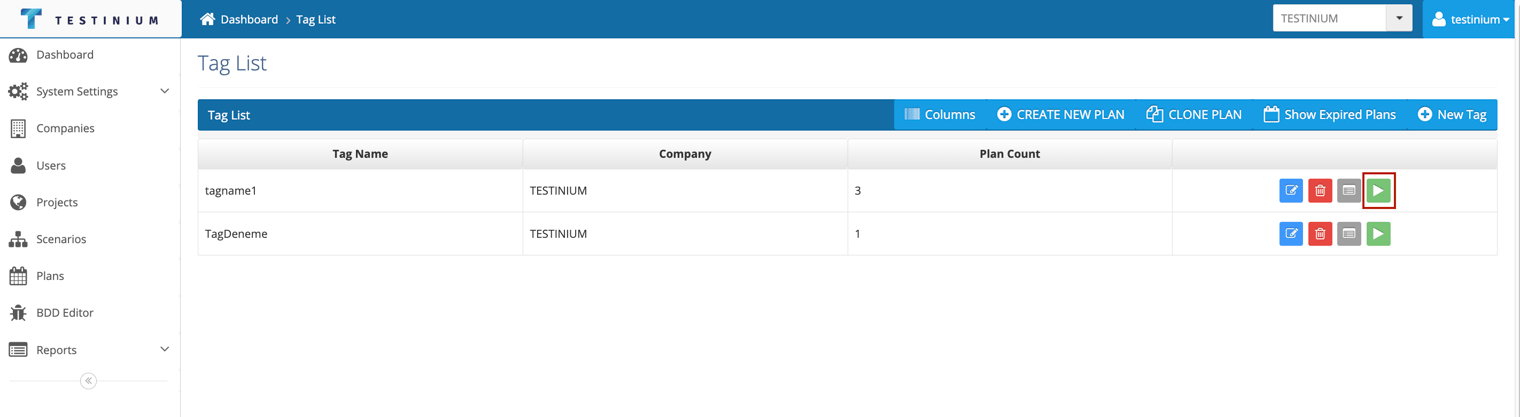
- Click Run button on the tag line selected from the list.
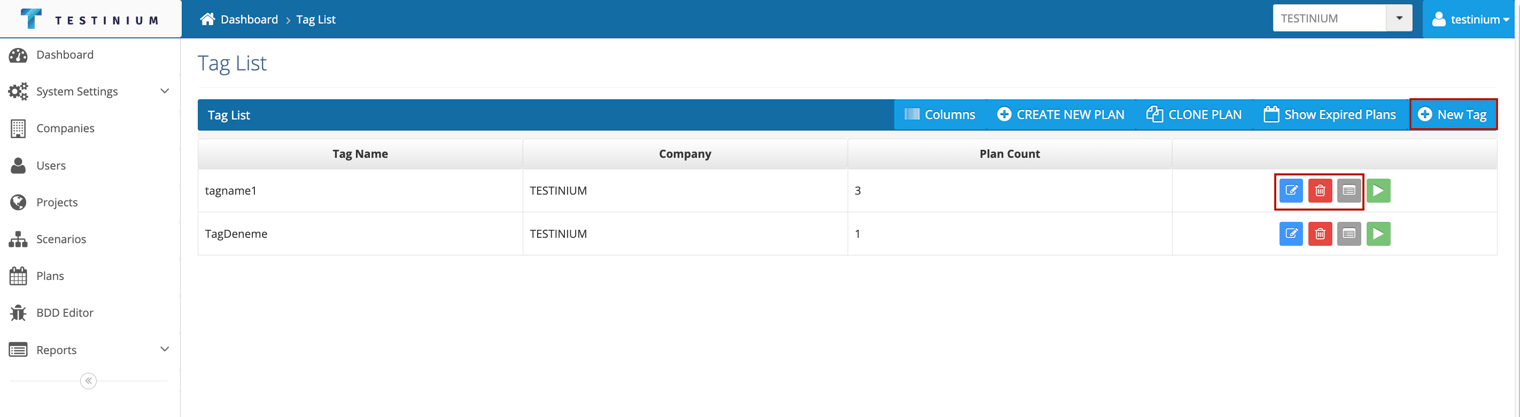
- The following operations can also be performed on this screen;
- The created tag can be edited with the Edit button.
- The created tag can be deleted by pressing the Delete button.
- The details of the test runs with Tag can be accessed with the Test Report button.
- A new tag can be created with the New Tag button.