Project Clone
1 min
Project Clone is the screen where a project is copied to another company.The following steps are followed for the copy operation;
- Enter the following fields;
- Source Company; The company to which the project that is wanted to be moved belongs.
- Source Project; Project that is wanted to be moved.
- Target Company; The company to which the selected project is wanted to be moved.
Source Project List becomes enabled after Source Company is selected.
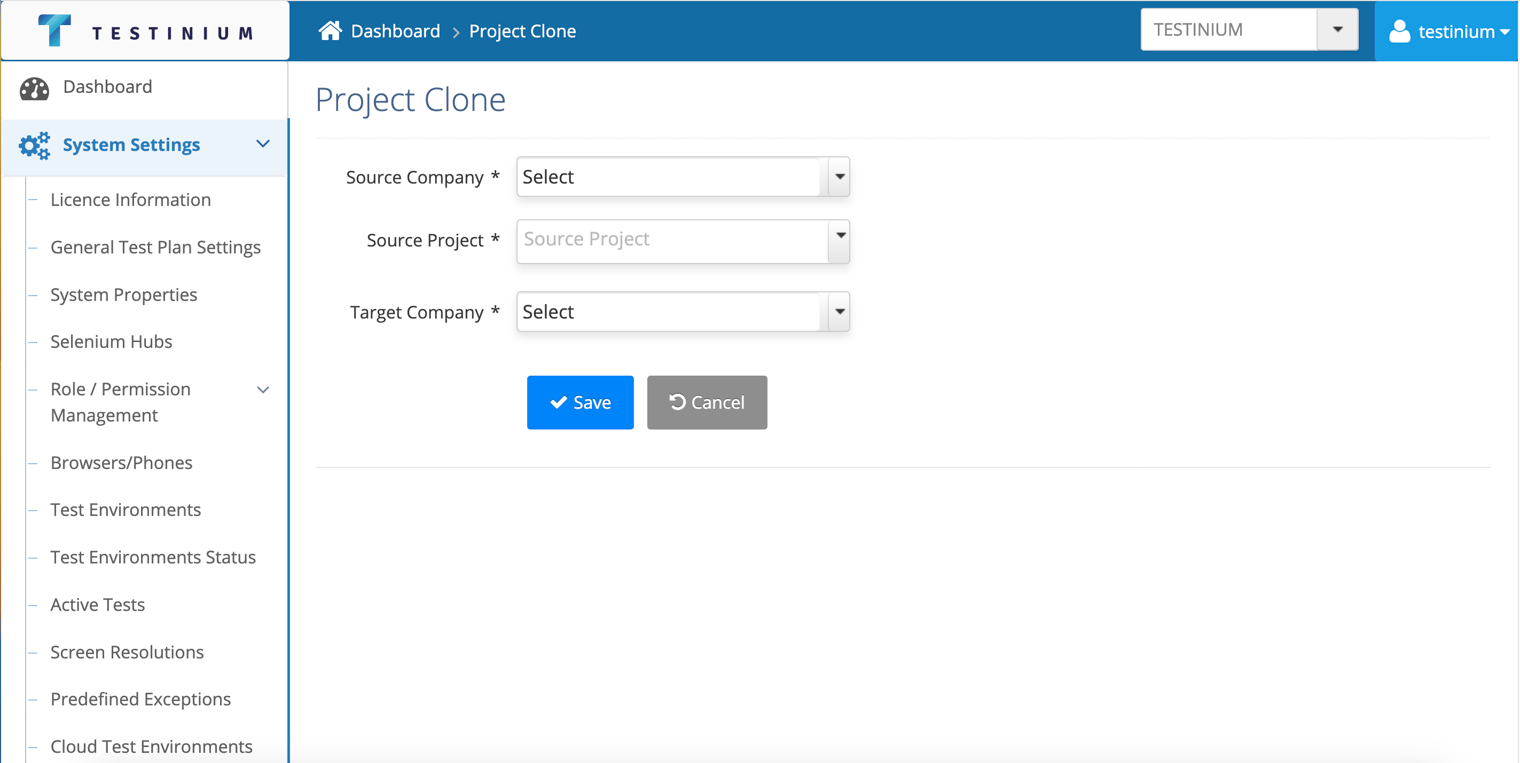
- a. Click the Save button to save the clone.
b. Click the Cancel button to cancel the cloning operation.