Edit User
1 min
Information of the created user is edited by following the steps below;
- Click the Edit button.
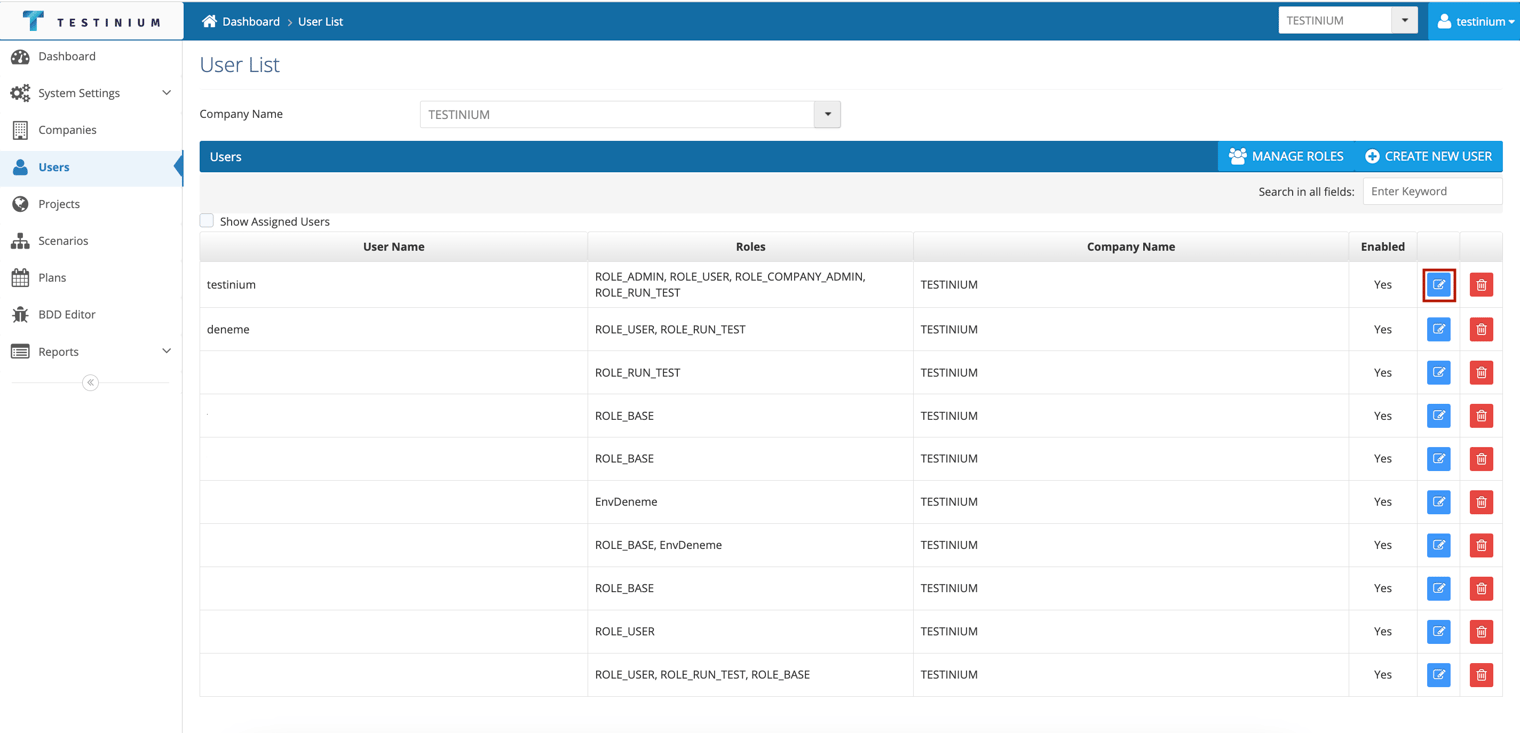
- Edit if necessary in the following fields.
- Username
- Company Name
- Roles (the user's role on the site is determined here)
- Avaible-User Companies (user can choose company)
- Language
- Timezone
- GIT Access (provides access to Test Codes)
- Enabled
- a. Click the Save button to save changes.
b. Click the Cancel button to cancel the definition