Edit Scenario
1 min
Scenarios can be updated by following the steps below;
- Click the Edit button on the relevant scenario line in the scenario list.
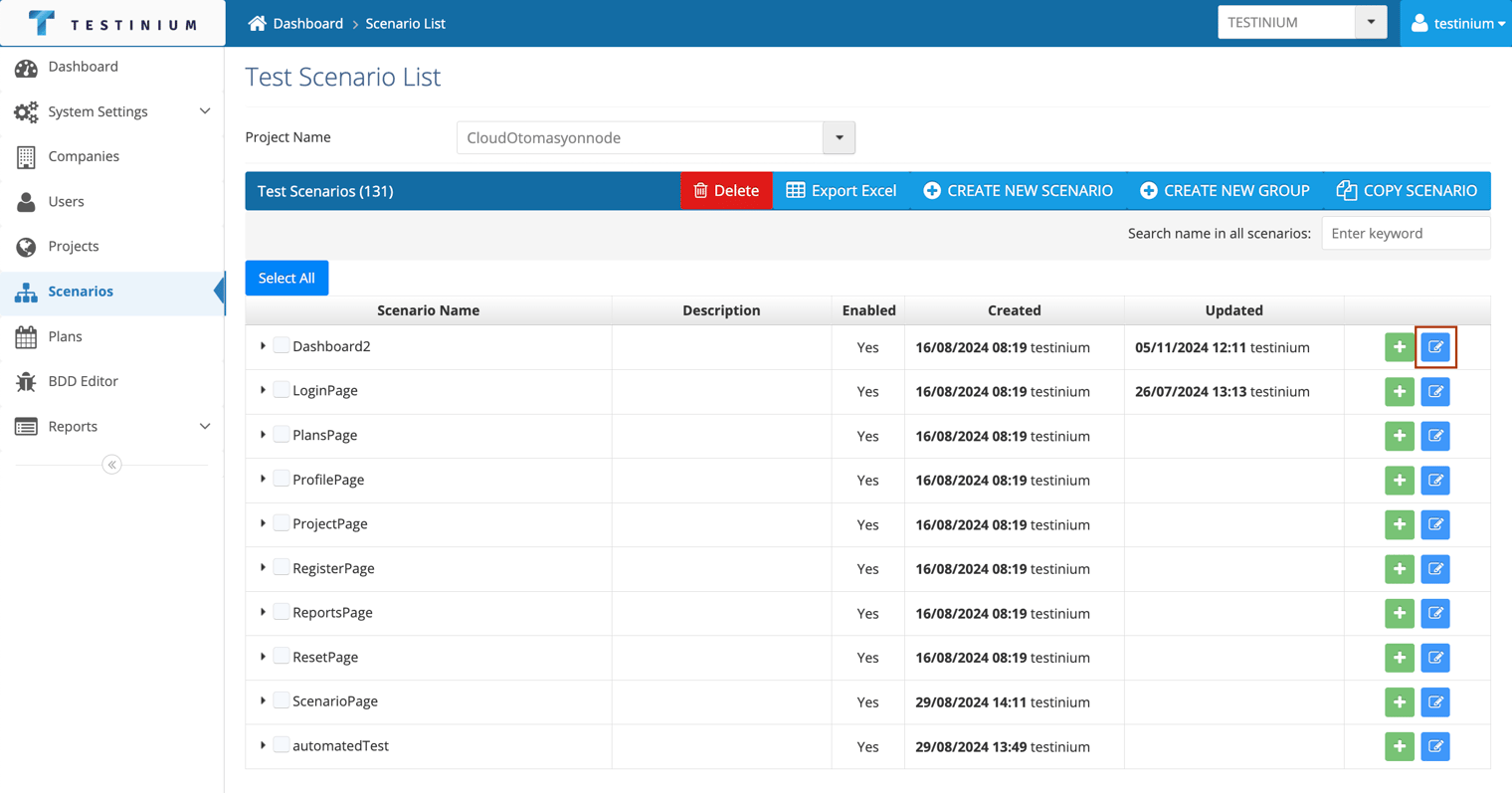
- Edit the required fields in the Test Plan form in the following steps;
- Project
- Scenario Name
- Description
- Expected Result
- Test Steps
- Group Name
- Repository URL
- Source File
- System Parameters
- Max Execution Time
- Enabled
- a. Click on the Save button to save the changes made.
b. Click Cancel to cancel the edit operation.