Edit Project
1 min
Edit Project directs the user to the screen where a project update is made in the system.
The following steps are followed to update a project;
- Click the Edit button.
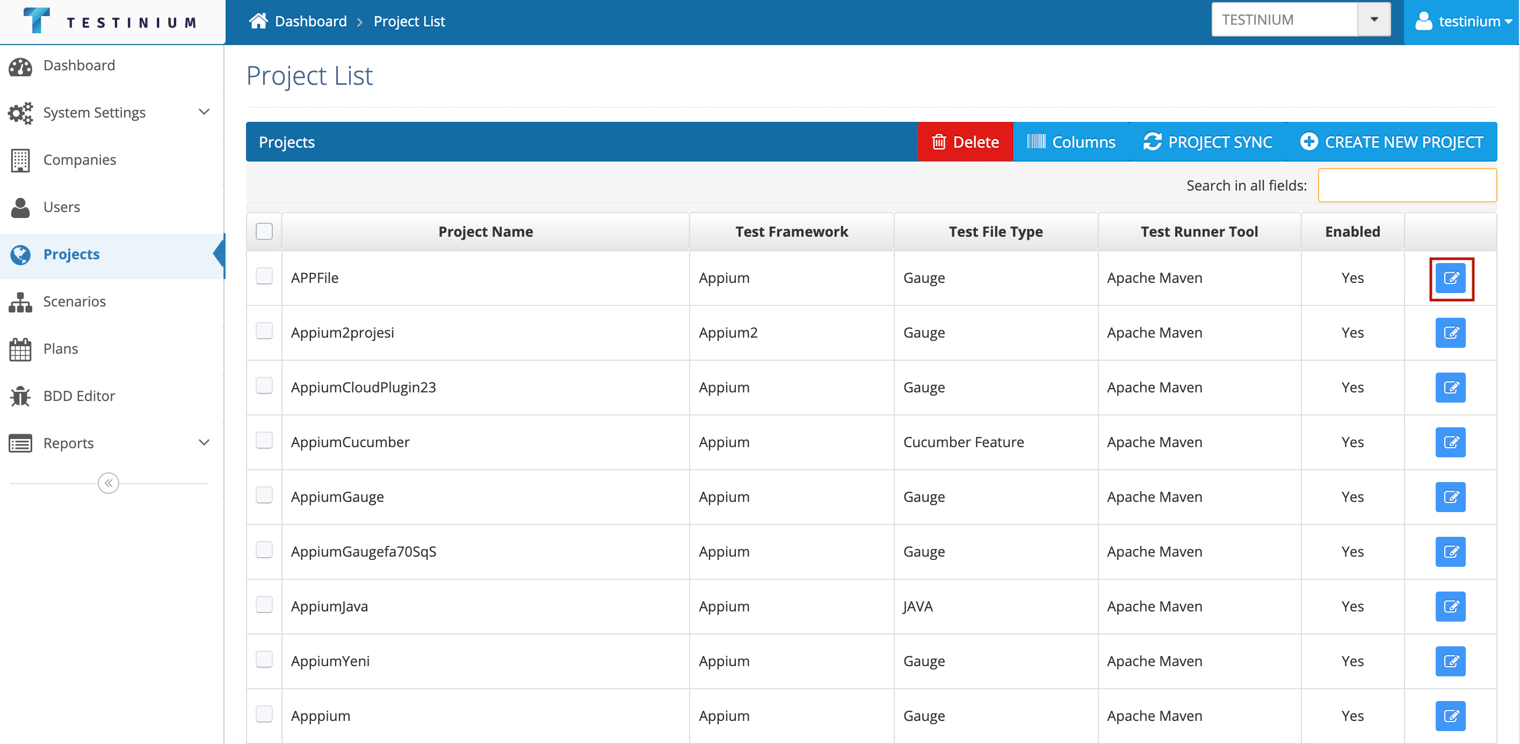
- a. Edits can be made in the following fields if the selected project is Selenium and Service project;
- Test Framework
- Test File Type
- Test Runner Tool
- Project Name
- Description
- GIT Project Folder
- Edit Jira Setting
- Enabled
b. Edits can be made in the following fields if the selected project is Appium project;
- Test Framework
- Test File Type
- Test Runner Tool
- Project Name
- Description
- SVN Project Folder
- Edit Jira Settings
- Enabled
- IOS Mobile App
- Android Mobile App
- a. Click the Save button to save changes.
b. Click the Cancel button to cancel the edit.