Creating New System Property
1 min
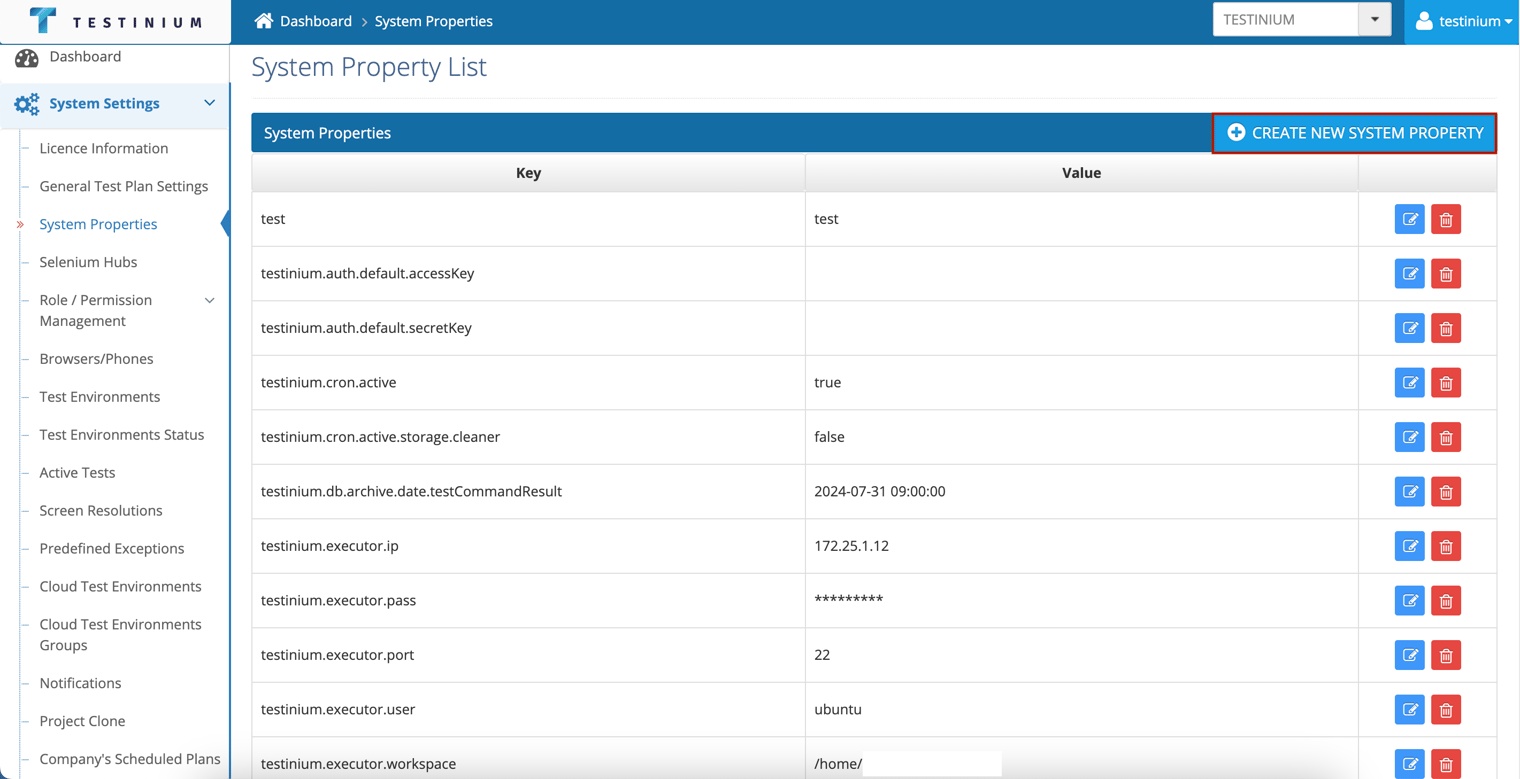
The following steps are followed on the System Property page to add a new system property;
- Click the Create New System Property button.
- Enter the following fields in the System Properties Form.
- Key
- Value
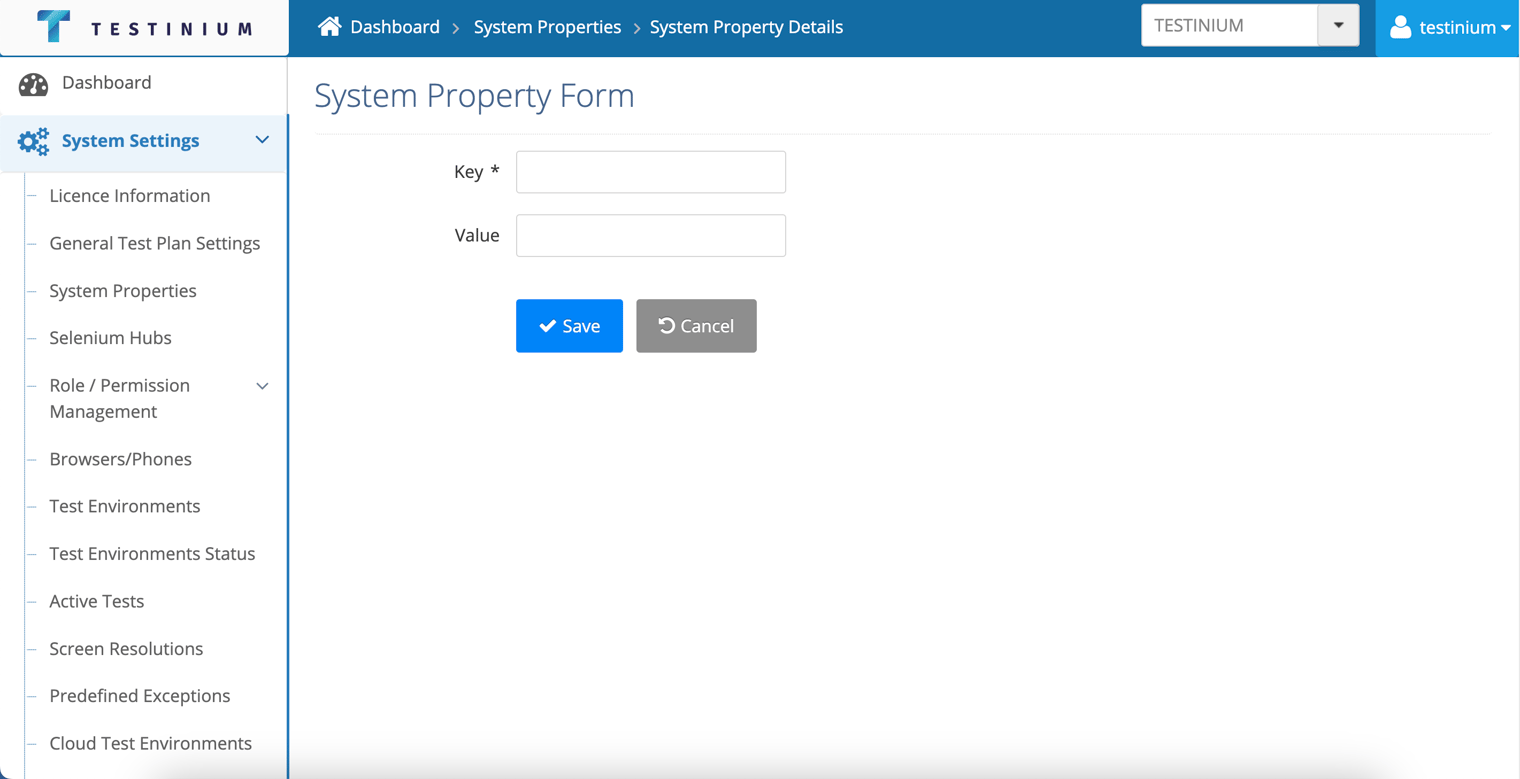
- a. Click the Save button to save system property.
b. Click the Cancel button to cancel the creating operation.