Create Feature File
2 min
Create Feature File directs the user to the page where a new feature file is created.
The following steps are followed to create a feature file;
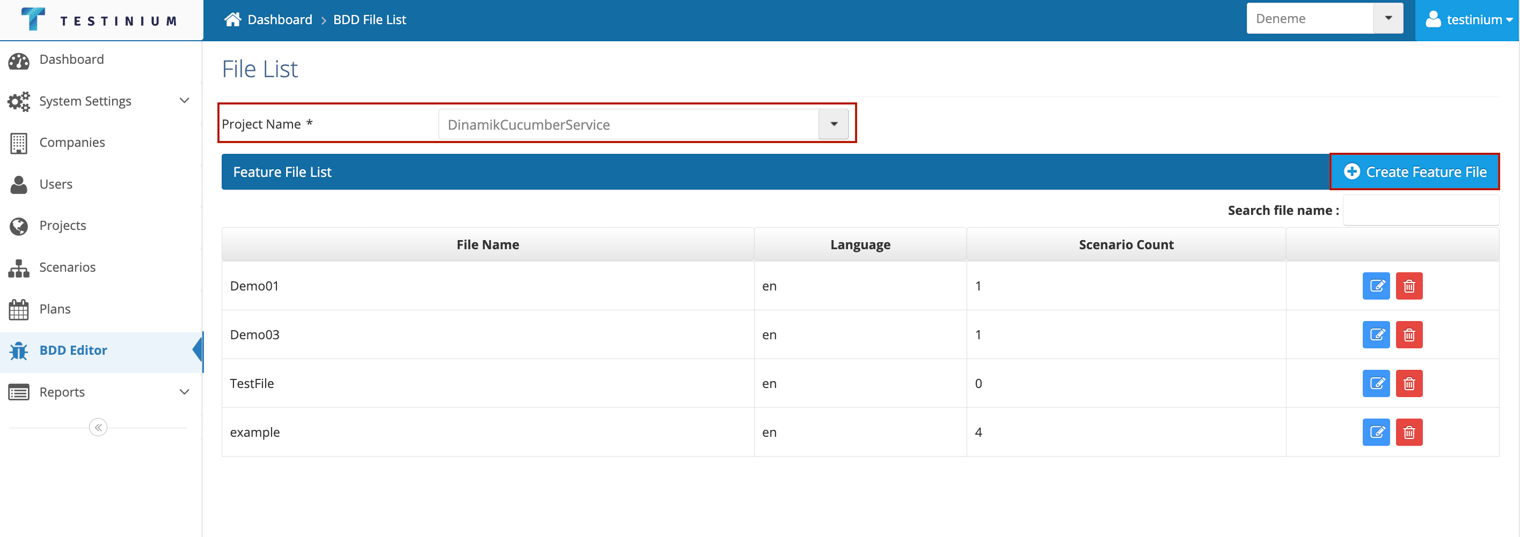
- Select project from BDD File List page.
- Click the Create Feature File button.
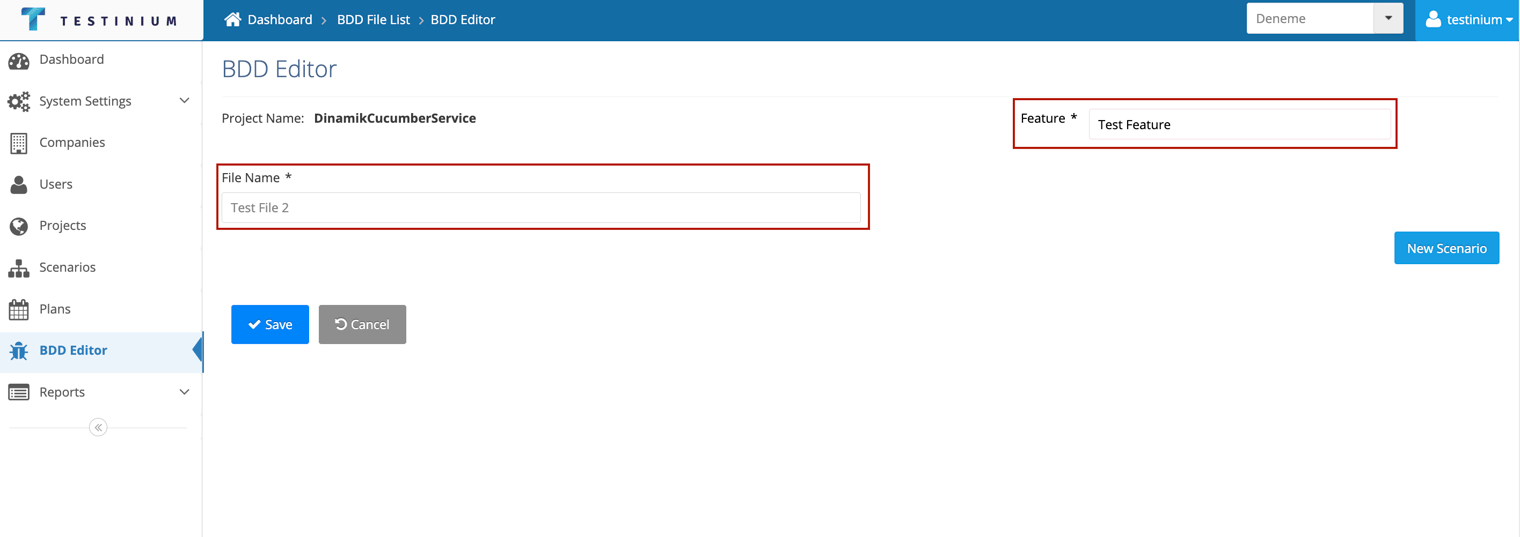
- Enter the file name and feature.
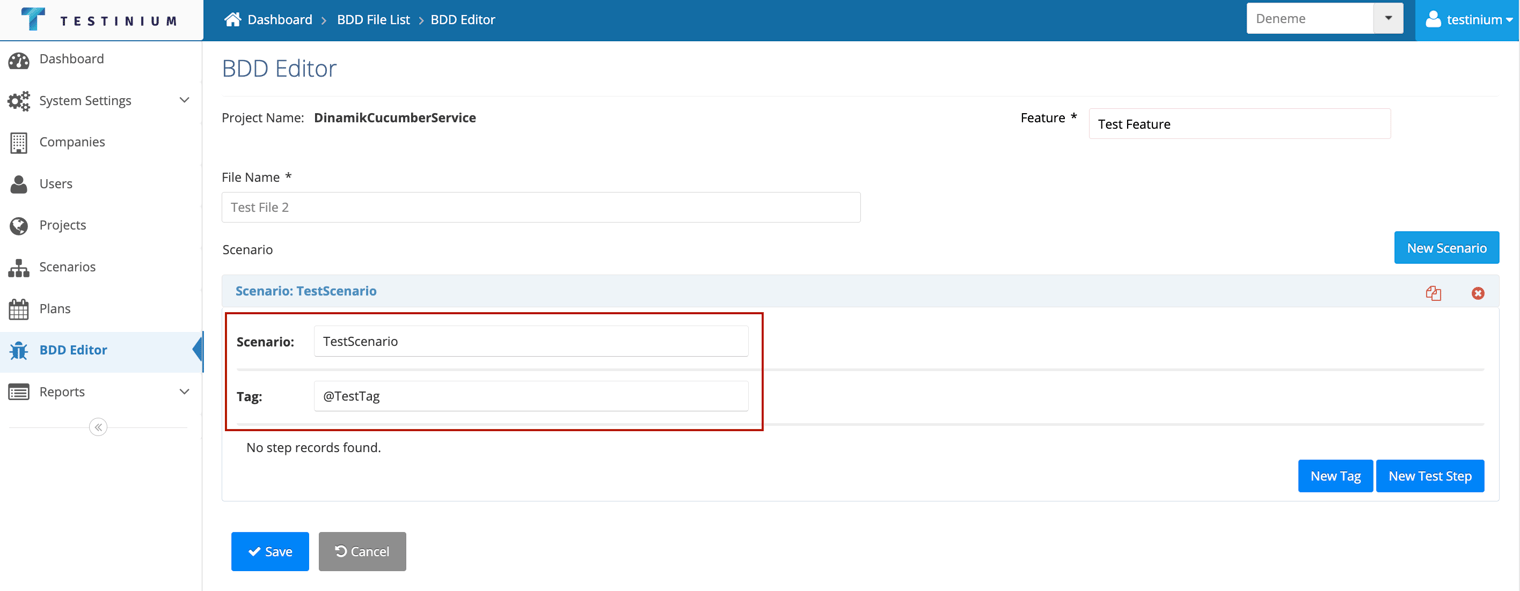
- Scenario can be added to the feature file to be created. Click the New Scenario button on the BDD Editor screen for this.
- Enter the Scenario name.
- Add Tag.
Tag field is required.
Tag must start with '@'
- a. Click on the New Tag button to add a new tag.
b. Click on the New Test Step button to add a test step
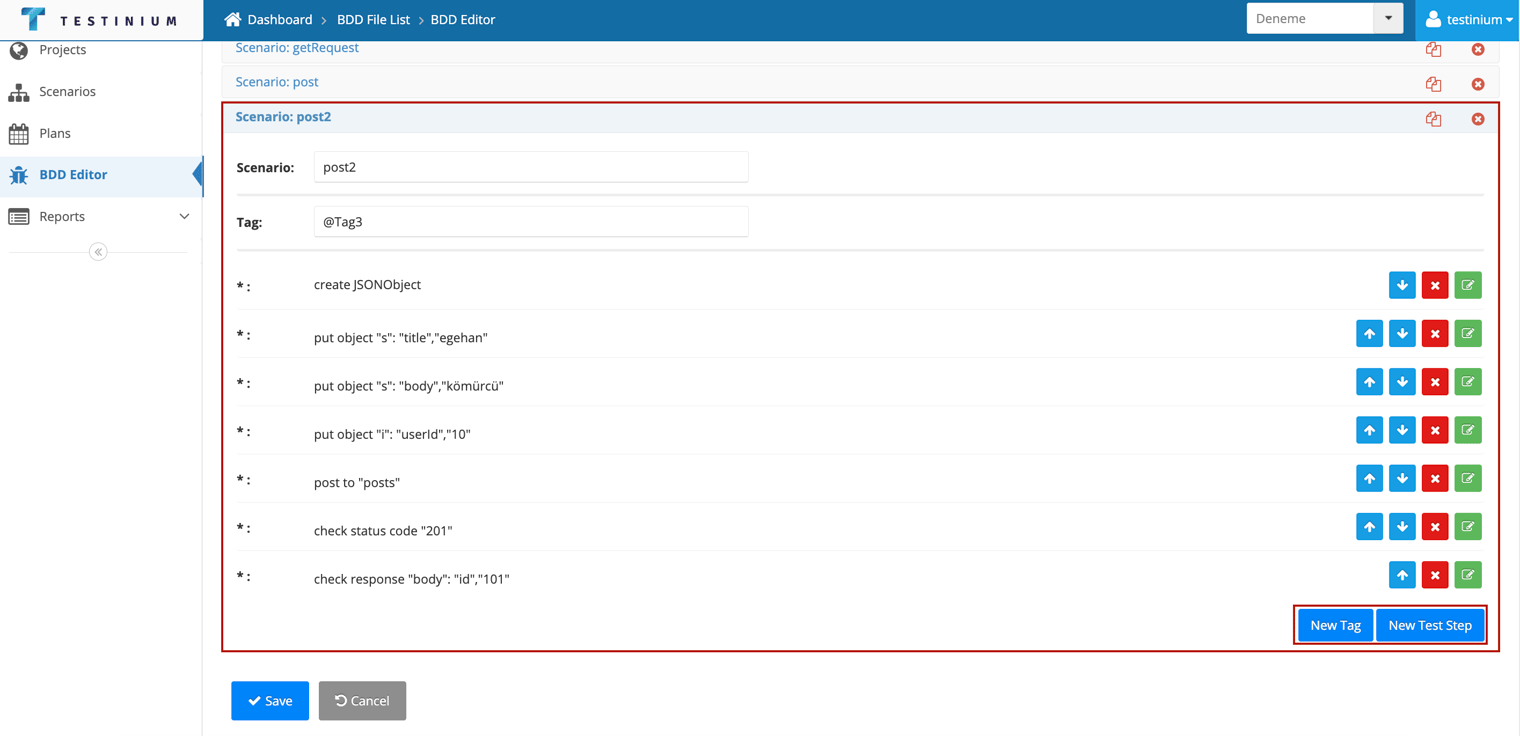
- a. Click the Save button to save feature file.
b. Click the Cancel button to cancel the adding process.