Appium2 Log Configration
2 min
Overview
testinium-appium2-driver library uses SLF4J (@Slf4j) for logging.
This means:
- The library does not decide how logs are handled
- Logs are managed by the logging framework used in the test project
- The active backend determines behavior:
- Log4j
- Logback
Enabling / Disabling Library Logs
Library logs can be controlled using Command Parameters.
UI Configuration
In Set System Parameters:
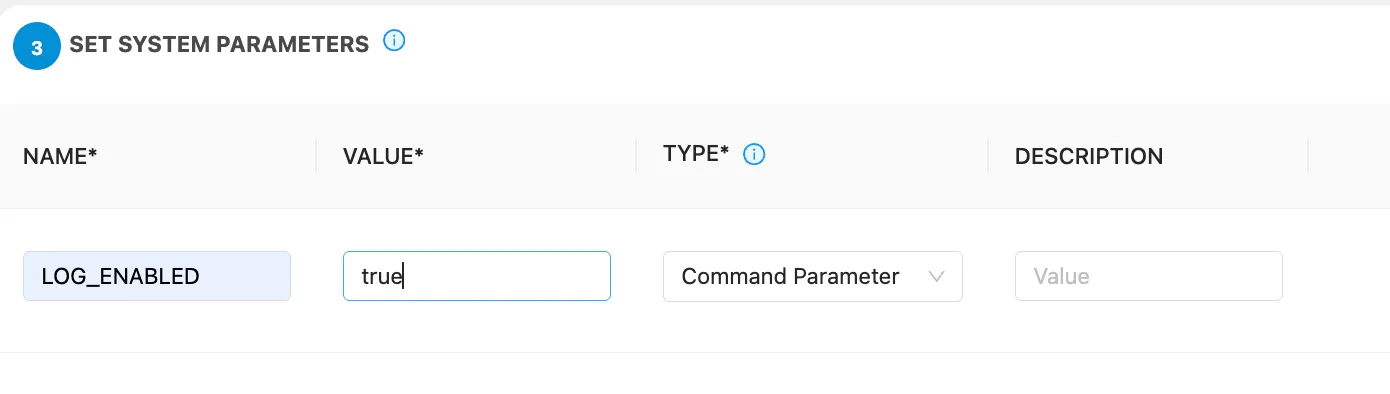
If your test project uses Log4j, add the following to log4j.properties:
log4j.logger.com.testinium=OFF log4j.additivity.com.testinium=false The value will depend on whether or not it requests the logs.